
Business Tech Support
Day-to-day support for the systems your business runs on.

5 Microsoft 365 Settings Worth Checking in Your Tenant
Microsoft has tightened several Microsoft 365 defaults over the past few years, but those changes do not always apply retroactively. Tenants set up before 2022, or configured by a previous IT provider and left alone since, often still have legacy settings in place around file sharing, external email forwarding, third-party app consent, audit log retention, and MFA enforcement. Five settings worth verifying.

Why Bad Onboarding Is the Real Cause of Messy Offboarding
Offboarding is the final step of a process that started on the employee's first day. Shared logins, forgotten SaaS subscriptions, untracked personal devices, and client relationships locked inside one person's inbox are almost always traceable to informal onboarding shortcuts taken months earlier. Tightening the onboarding side turns each future departure into a 90-minute checklist instead of a three-week cleanup.
How to Prepare Microsoft 365 Permissions for a Safe Copilot Rollout
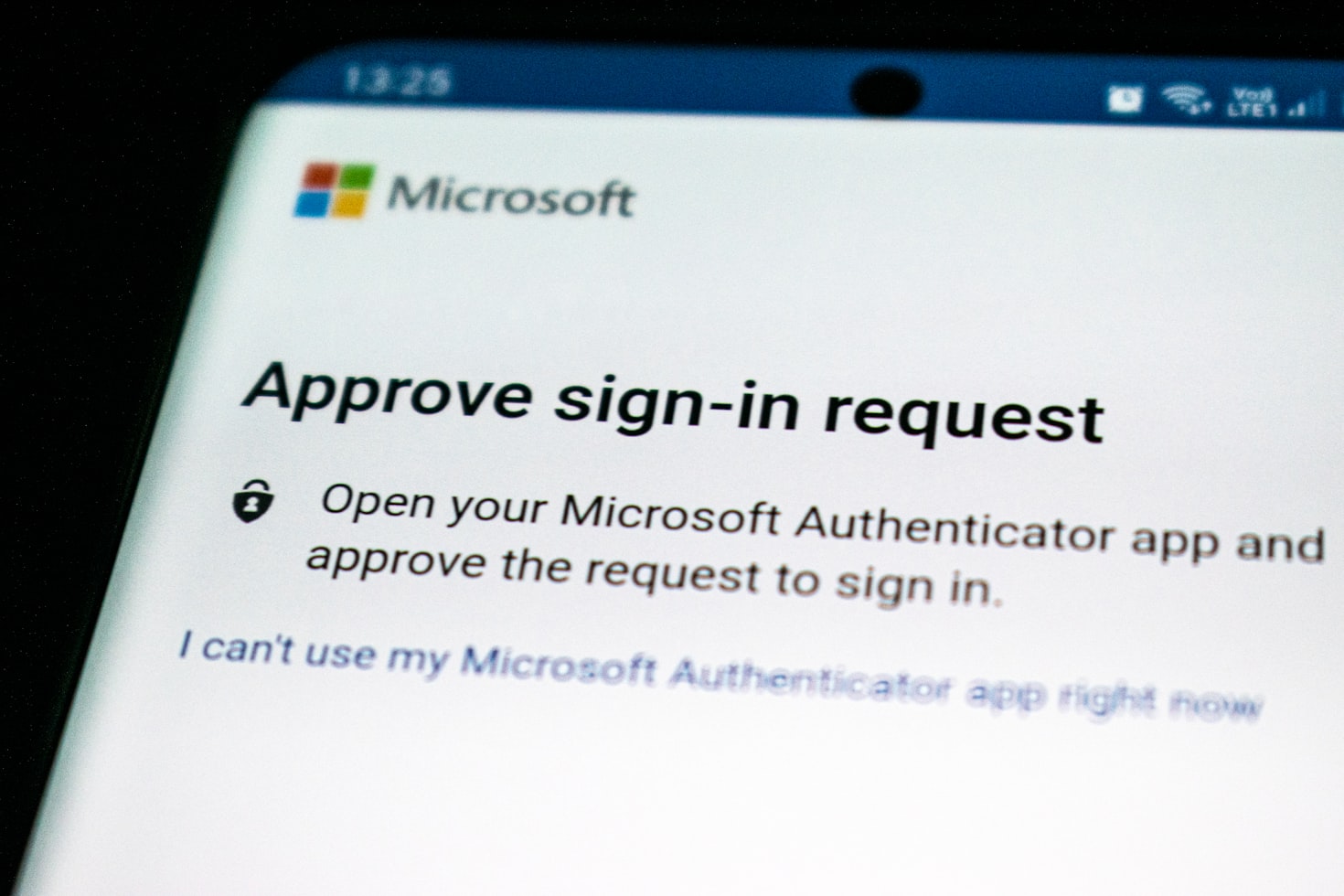
Microsoft 365 Copilot retrieves files, emails, and chats using each user's existing Microsoft 365 permissions. In most tenants, those permissions are broader than anyone has mapped, because access accumulates across years of projects and staff changes. A safe Copilot rollout begins with auditing those permissions, fixing the gaps, and applying sensitivity labels to confidential content. Microsoft publishes specific guidance on this cleanup, structured into a pilot, deploy, and operate sequence.